
Choosing the Right Smartphone for Your Everyday Needs
A helpful overview of what to consider when choosing a smartphone for streaming teleseryes and news, enjoying AI-generated shows, gaming, music, communication, photography, work and everyday online activities.
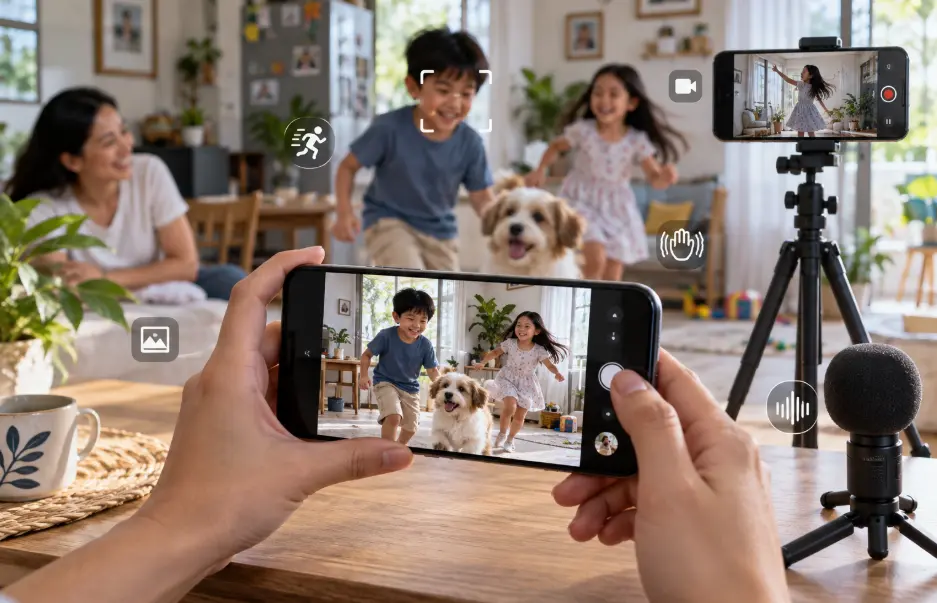
Image disclosure: Images and scenes in this article may be AI-generated for illustration purposes only. Any people, animals, places, products, interfaces, or events shown are fictional or generic and should not be interpreted as actual individuals, locations, commercial products, software interfaces, testing results, or real-world events.
Introduction
A smartphone can be a television, music player, camera, game console, news source, payment tool, and work device—all before lunch. However, not everyone needs to spend extra on a flagship smartphone. Someone who mainly checks messages, reads balita, listens to music, and watches an evening teleserye has different priorities from a player running demanding games or a creator editing AI-generated telenovela clips on the phone.
Start with the activities that fill most of your screen time. Then compare the display, performance, memory, storage, battery, connectivity, cameras, software support, and after-sales service needed for those activities. For Philippine buyers, also check local network compatibility, dual-SIM or eSIM support, official warranty coverage, charger inclusion, and whether replacement parts are reasonably available.
Key Factors to Consider
Factor | Why it matters | Quick tip |
Display and size | Screen quality, brightness, shape, and comfort affect video, reading, games, and daily handling. | Choose a screen you can read outdoors and hold comfortably for a full episode or commute. |
Processor and memory | Smooth performance depends on the chip, RAM, software, cooling, and the apps running together. | Buy for your heaviest regular task, not a demanding game you may open once. |
Storage | Videos, games, photos, downloads, and system files can fill a phone faster than expected. | Check usable storage and expansion support; leave room for updates. |
Battery and charging | Capacity alone does not reveal real endurance, heat, charging time, or battery ageing. | Compare credible endurance tests and use a compatible, safety-certified charger. |
Connectivity | Mobile bands, Wi-Fi, Bluetooth, SIM options, and NFC affect how the phone works locally. | Verify the exact regional model instead of relying only on the product name. |
Software and support | Updates, security patches, repair options, and warranty determine how long the phone remains practical. | Prefer a clearly stated update policy and authorized local support. |
- Match the Phone to Your Real Routine
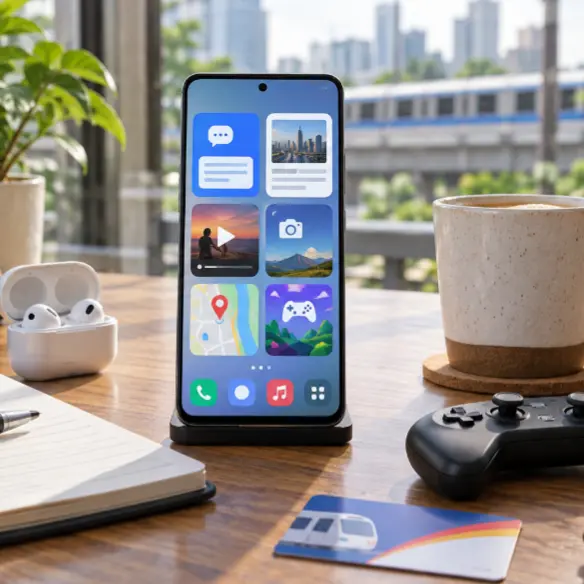
Write down the five things you do most often. A typical list might include Messenger or Viber calls, Facebook, online banking, news, maps, music, video streaming, photos, and one or two games. If the phone will also create short videos, edit AI-generated scenes, manage website content, or handle work files, include those tasks rather than treating them as occasional extras.
This simple list prevents two common mistakes: buying too little phone for an important workload or paying for premium power that remains unused. A balanced midrange model can be a better everyday choice than a gaming-focused device that is heavy, or a camera flagship whose advanced lenses matter less than battery life and repair cost.
- Choose a Display You Will Enjoy and Carry
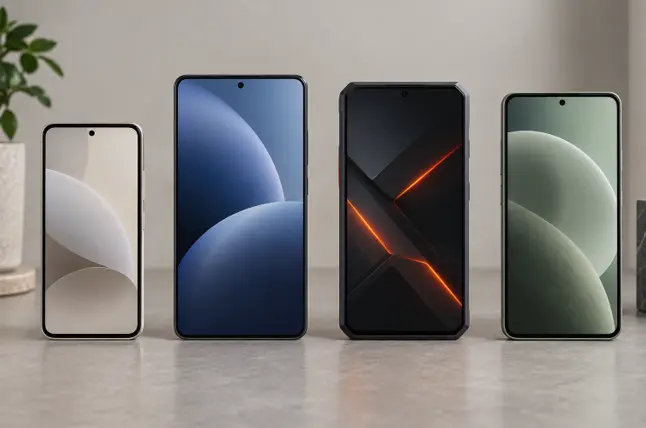
For teleseryes, balita, YouTube, livestreams, and AI-created dramas, a larger screen can make subtitles and small details easier to follow. Resolution matters, but brightness, color accuracy, viewing angle, reflection control, and the quality of the streaming source also shape the experience. A high refresh rate makes scrolling and compatible games feel smoother, though it does not improve every video.
Do not judge size only by the diagonal measurement. Check the phone’s width, weight, corner shape, and balance. A wide device may be pleasant on a stand but tiring to hold in bed or difficult to use with one hand on a jeepney or bus. If possible, handle a display unit with a case fitted before deciding.
- Buy Enough Performance—Without Chasing Benchmarks
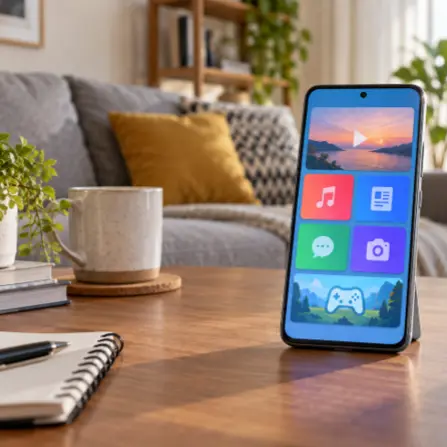
Everyday apps do not demand the fastest processor, but weak hardware can become frustrating when several apps remain open, video calls run in the background, or storage is nearly full. The processor, RAM, storage speed, cooling, and software optimization work together. One impressive benchmark score cannot describe the complete experience.
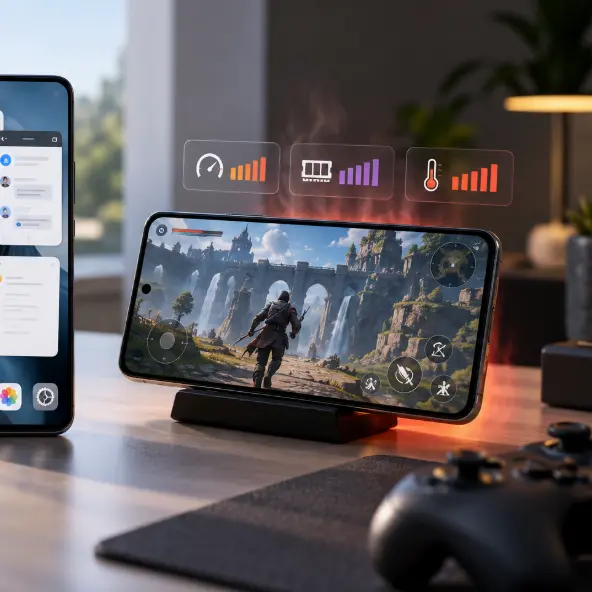
Casual puzzle, card, and social games can run well on modest hardware. Competitive or graphically demanding games need stronger sustained performance, stable frame rates, effective cooling, and enough battery capacity. Read long-session tests for the exact model: a phone may start quickly, then reduce performance as heat builds. Serious mobile players should also check touch response, speaker placement, charging position, and whether their preferred games support the advertised frame rate.
- Plan Storage for Downloads Games and Creative Files
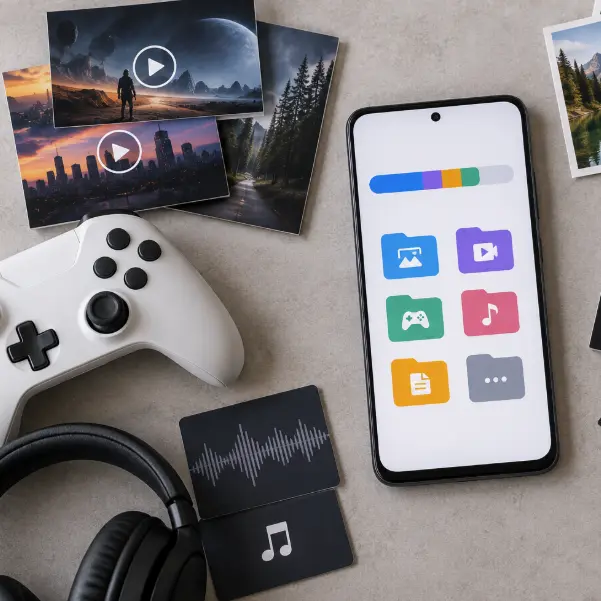
The number printed on the box is not the space entirely available to you. The operating system and preinstalled applications use part of it, while updates, cached video, offline music, games, photos, and messaging attachments consume more over time. Large games and edited video projects can use several times more space than ordinary documents and photos.
For light use with cloud storage and limited downloads, a lower capacity may be workable. Frequent gamers, travelers saving episodes offline, and creators handling AI-video clips should leave a generous margin. If the phone accepts a memory card, check what can actually be moved to it; some applications and game data must remain in internal storage.
- Consider Entertainment as a Complete Experience

A good entertainment phone combines a comfortable display, reliable wireless connection, clear speakers, suitable audio support, and enough battery for the way you watch. Stereo speakers improve casual viewing, but headphones or earbuds may still be better for dialogue in a noisy commute. Confirm Bluetooth codec support only if your audio equipment can use it; the name of a codec matters less than a stable connection and comfortable listening.
Streaming quality also depends on the app, subscription, network, and content—not just the screen. If you regularly download episodes for travel or areas with inconsistent signal, storage and efficient video playback may matter more than peak brightness. For AI-generated telenovela clips, consider how the phone handles editing, exporting, heat, and file transfers in addition to playback.
- Look at Battery Life and Charging Together
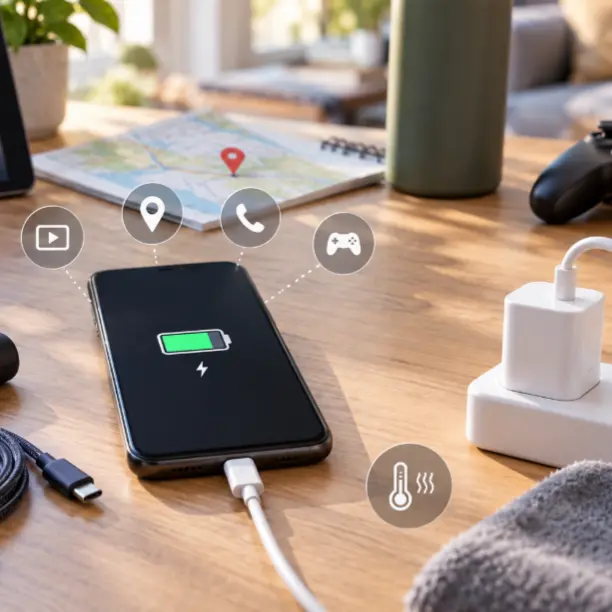
Battery capacity is a useful starting point, not a guarantee. Display brightness, refresh rate, signal strength, processor efficiency, gaming, camera use, navigation, and background apps all affect runtime. Weak mobile signal can drain a phone faster because it works harder to stay connected—an important detail for people who travel or live in areas with uneven coverage.
Fast charging is convenient, but confirm whether the correct charger is included and whether the advertised speed needs a proprietary adapter or cable. Consider heat management, charging limits, wireless charging if relevant, and the cost of an eventual battery replacement. A phone that charges slightly slower but lasts reliably through your day may be the more practical choice.
- Check Cameras for the Photos and Videos You Actually Take
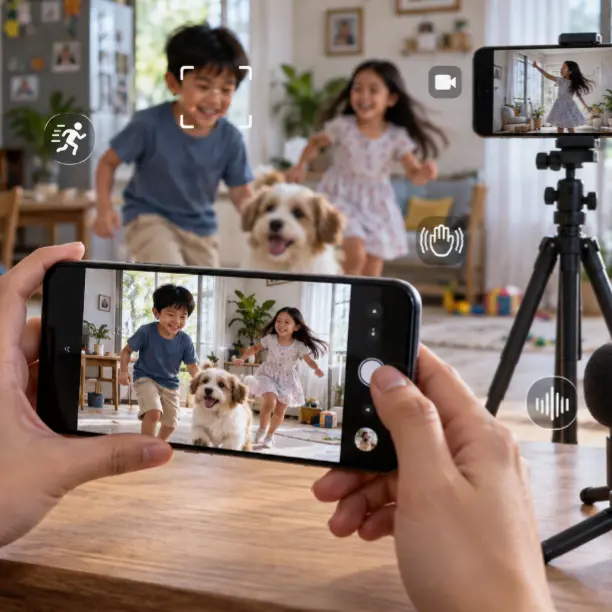
Megapixels alone do not determine image quality. Sensor size, lens quality, stabilization, processing, focus, low-light performance, and microphone quality all matter. A useful main camera is generally more valuable than several weak secondary lenses added mainly to lengthen the specification list.
For family photos and social posts, check skin tones, indoor motion, focus reliability, and video stabilization. For creators, confirm recording limits, heat behavior, microphone options, storage demands, and how easily files move to a computer or cloud service. Treat manufacturer samples as demonstrations; independent samples from the exact retail model provide a better view of real trade-offs.
- Verify Connectivity for Philippine Use
Check the exact variant’s supported mobile bands, 4G and 5G capability, Wi-Fi standard, Bluetooth version, NFC availability, navigation features, physical SIM slots, and eSIM support. Devices with the same name can have different regional specifications. An imported model may connect but still lack a locally useful feature, compatible carrier service, or official warranty.
Dual-SIM support can be useful for separating personal and work lines or combining coverage from different networks. NFC may matter for supported payments, access cards, or accessories, but availability and use vary. If the phone will serve as a hotspot, look at battery drain, heat, supported bands, and your mobile plan rather than assuming 5G alone guarantees a better connection.
- Think About Software Security and Long-Term Ownership
A smartphone holds messages, photos, payment apps, passwords, and location information. Prefer a model with a clear operating-system and security-update commitment, dependable biometric or passcode protection, and settings you understand. Update promises should come from the manufacturer for that model or product family, not an assumption based on another phone from the same brand.
Long-term value also includes a protective case, screen protection, charger, cable, battery service, replacement parts, repair access, and resale prospects. Confirm the seller, official warranty, return terms, and service-center process before paying. A slightly cheaper imported device can become expensive if a damaged screen or battery is difficult to replace locally.
Recommended by Everyday Use
For calls news social media and light streaming
Prioritize a readable display, steady everyday performance, dependable battery life, adequate storage, clear calls, and reliable software support. Premium gaming power and multiple specialty cameras are optional.
For teleseryes movies and frequent video streaming
Favor a comfortable screen, good brightness, stereo speakers, efficient video playback, strong Wi-Fi, and enough battery or charging speed. Make sure the larger body remains comfortable to hold and carry.
For gaming
Look beyond the processor name. Check sustained frame rates, heat, touch response, display refresh support, speaker and charging-port position, storage, battery behavior, and compatibility with the games you play.
For music and podcasts
Prioritize stable Bluetooth, useful audio controls, sufficient storage for offline files, battery efficiency, and compatibility with your headphones or speakers. A headphone jack may still be valuable if you prefer wired listening.
For creating and editing AI videos
Choose stronger sustained performance, generous storage, enough RAM for the applications involved, reliable cooling, fast file transfer, and battery capacity that can handle repeated previewing and exports. Confirm that your chosen creation tools support the operating system and device.
Common Mistakes to Avoid
Buying mainly for the processor name or benchmark score without considering heat, software, storage, battery, and support.
Choosing the largest screen without checking weight, width, one-handed comfort, and pocket fit.
Assuming the advertised storage figure is fully available for personal files.
Paying for 5G without confirming the exact model’s supported bands, local carrier compatibility, and coverage where the phone will be used.
Choosing a camera by megapixels or the number of lenses alone.
Ignoring the manufacturer’s update policy, authorized warranty, repair options, battery replacement, and accessory cost.
Buying more gaming or camera power than your actual routine requires while compromising comfort or battery life.
Relying on product listings that mix specifications from different regional variants.
Questions to Ask Before Buying
Which five activities use most of my phone time?
What is the heaviest game, editing task, or work application I genuinely use?
Is the display comfortable indoors, outdoors, and during long viewing sessions?
How much usable storage will remain after setup, applications, and updates?
Will the battery and charging arrangement fit my normal day?
Does this exact regional model support my network, SIM needs, Wi-Fi, Bluetooth, and NFC requirements?
How long are operating-system and security updates promised?
Who provides the warranty, and can common repairs be handled locally?
XploreSulit Summary
The right everyday smartphone is not the model with the longest specification sheet. It is the one that handles your regular apps smoothly, presents video and text comfortably, stores your files without constant cleanup, stays connected where you use it, and receives support for a reasonable part of its life.
Start with your routine, then spend more only where the improvement is meaningful. A viewer may benefit more from a comfortable display and battery than from a flagship camera. Gamers may benefit from consistent performance and an effective cooling system. A creator editing AI-telenovela clips may value storage, export speed, and heat management. The best-value choice changes with the person using it.
Frequently Asked Questions
There is no single figure that applies equally to every operating system and phone. App behavior, software optimization, storage speed, and the tasks you run together all matter. Compare the exact model in realistic multitasking tests instead of choosing by RAM alone.
Not necessarily. A higher refresh rate mainly makes scrolling and compatible games feel smoother. Most video content plays at lower frame rates, so brightness, color, viewing comfort, speakers, and battery efficiency may matter more for streaming
No. A stable 4G or Wi-Fi connection can stream video well. The benefit of 5G depends on local coverage, congestion, the phone’s supported bands, and your data plan.
No. Megapixels are only one specification. Lens quality, sensor performance, stabilization, focusing, processing, and video behavior can be more important.
Estimate the space used by your current games, downloads, recordings, and projects, then add room for applications, updates, and future files. Larger games and video exports can make a higher storage tier worthwhile, especially when expansion is unavailable.
Related Buying Guides
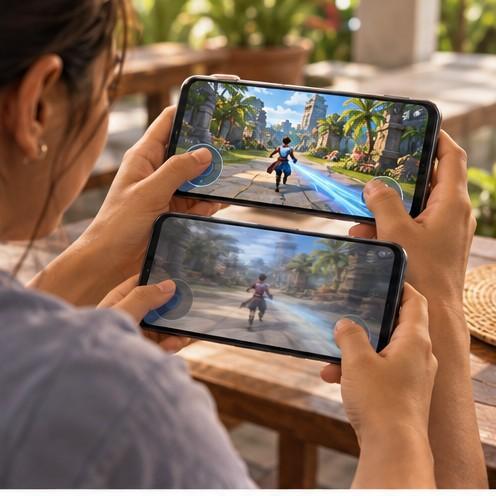
Choosing a Smartphone for Mobile Gaming
Guide in choosing gaming-capable smartphone by sustained performance, display response, controls, battery, charging, storage, connectivity, software support, and overall value.
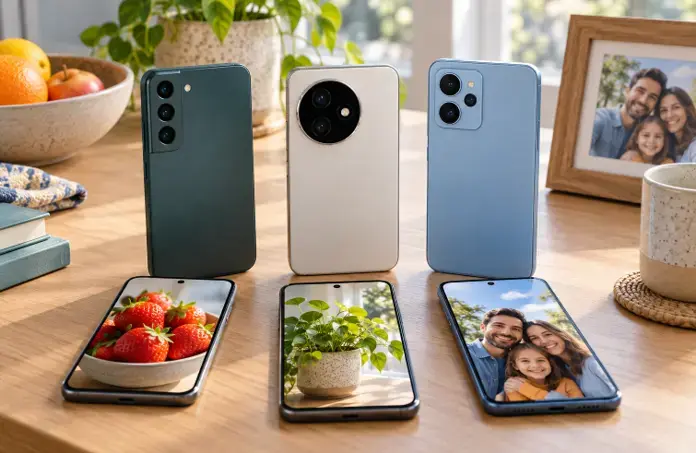
Finding a Good Camera Phone Without Overspending
A value-focused guide to choosing a camera phone by image quality, focus, stabilization, low-light performance, video, storage, software support, and the photos you actually take.
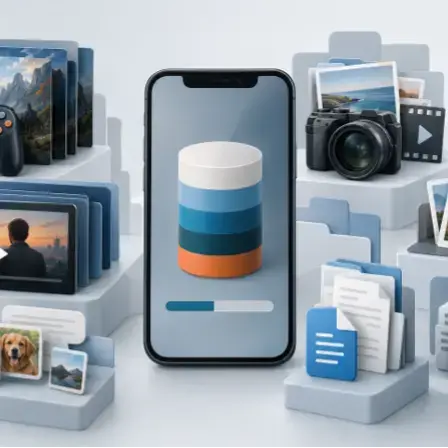
How Much Smartphone Storage Do You Really Need
A reader-friendly guide to choosing smartphone storage for apps, photos, videos, games, downloads, work files, and everyday use without paying for capacity you are unlikely to use.