
How Much Smartphone Storage Do You Really Need
A reader-friendly guide to choosing smartphone storage for apps, photos, videos, games, downloads, work files, and everyday use without paying for capacity you are unlikely to use.
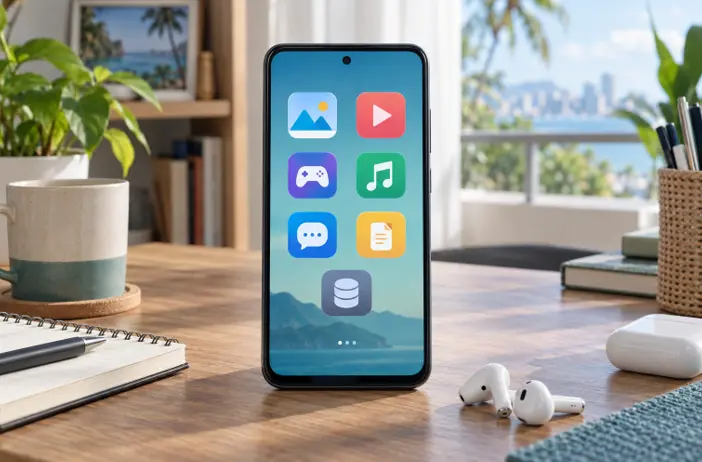
Image disclosure: Images and scenes in this article may be AI-generated for illustration purposes only. Any people, animals, places, products, interfaces, or events shown are fictional or generic and should not be interpreted as actual individuals, locations, commercial products, software interfaces, testing results, or real-world events.
Introduction
Storage is easy to underestimate because a new phone starts with plenty of free space. Over time, however, camera videos, downloaded episodes, mobile games, messaging attachments, offline music, app updates, and temporary files begin to compete for the same capacity. A phone that felt spacious during setup can eventually require regular cleanup.
The right amount is not simply the largest option you can afford. It depends on what you keep on the phone, how often you transfer or delete files, whether you use cloud services, and how long you plan to keep the device. Start by checking your present usage, then add room for the operating system, applications, updates, and future habits.
Storage Options
Storage tier | Usually suits | Important caution |
64 GB | Light calling, messaging, browsing, limited photos, and careful use of streaming or cloud storage. | Can feel restrictive once system files, apps, updates, and media accumulate. |
128 GB | Many everyday users who stream content, take regular photos, and install a moderate number of apps. | Heavy games, long videos, and offline downloads can still fill it quickly. |
256 GB | Frequent photographers, gamers, travelers saving media offline, and users keeping a phone for several years. | Useful headroom, but not automatically necessary for light users who manage files consistently. |
512 GB or more | Creators, large game libraries, extensive offline media, high-resolution recording, or people who rarely transfer files. | Costs more; backup remains necessary because extra capacity does not protect against loss or damage. |
These tiers are planning categories, not guarantees. Usable space, application sizes, camera formats, and storage options vary by model and software version.
- Check Your Current Storage Before Estimating
The best starting point is the storage screen on the phone you already use. Look at the total space occupied and the categories using it: applications, photos, videos, downloads, messages, documents, audio, and system data. If the phone is nearly full, identify whether that reflects normal use or files you have simply postponed organizing.
Also consider the age of the device. Using 90 GB after three years is different from reaching the same figure within three months. A fast-growing library needs more headroom than a stable one. Take a screenshot or write down the figures before cleaning anything so your estimate reflects real habits.
- Remember That Advertised Capacity Is Not Fully Available
A phone sold as 128 GB does not give the owner all 128 GB for personal files. The operating system, recovery data, preinstalled applications, formatting, and reserved space use part of the capacity. The amount available after setup differs across devices, regions, and software versions.
Future system and application updates also need working room. Avoid choosing a phone on the assumption that every advertised gigabyte can hold your photos or games. When comparing exact models, look for credible screenshots or documentation showing storage available after initial setup, while remembering that later updates may change it.
- Estimate What Will Grow Fastest
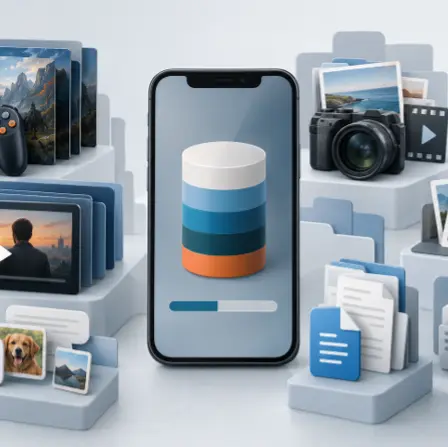
Video is often one of the fastest-growing categories because file size changes with resolution, frame rate, duration, compression, stabilization features, and the camera application. A parent recording school events, a seller making product clips, or a creator editing short videos may need much more space than someone who takes occasional photos.
Games can also vary widely and may download additional resources after installation. Messaging apps may retain photos, voice notes, and videos from group chats. Streaming applications use storage when episodes, playlists, or maps are saved for offline use. Check the actual applications and recording settings you use rather than relying on one generic estimate from the internet.
- Match Storage to How You Use the Phone
Light users who mainly call, message, browse, use banking applications, and stream media may manage with a lower tier if they keep few large files. Typical everyday users often benefit from more breathing room because photos, social apps, updates, and downloads build up gradually. A moderate capacity can reduce the need to decide what to delete every few weeks.
Gamers should review the installed size of their current titles and allow for downloadable content and updates. Video creators should consider original clips, editing copies, exported versions, and failed or duplicate takes. Travelers who save maps, music, and episodes for weak-signal areas should estimate the largest offline library they expect to carry at once.
- Treat Cloud Storage as Support Not a Full Replacement

Cloud photo libraries and online drives can reduce local pressure, but they depend on account settings, internet access, data allowance, subscription terms, and successful synchronization. In the Philippines, users with limited mobile data or inconsistent home connections may prefer to keep important files available offline instead of depending entirely on a download.
Check whether a service keeps full-quality originals online, smaller copies on the phone, or both. Confirm what happens if a subscription ends and whether deleting a synchronized file removes it from other devices. A cloud service can be convenient, but it still needs clear settings and a separate plan for irreplaceable files.
- Understand Expandable Storage Before Relying on It
A memory-card slot can provide affordable space for photos, videos, music, and documents, but support varies by phone. Some applications and game data must remain in internal storage, and recording modes may require faster media. Check the exact model, supported card capacity, required speed rating, and what the operating system allows you to move.
Buy cards from a reputable seller because counterfeit or unreliable storage can cause corruption or misleading capacity reports. A memory card is useful storage, not a backup. Important files should also exist somewhere else.
- Leave Working Space Instead of Filling the Phone Completely
Phones need free space for downloads, temporary files, application updates, camera processing, and system maintenance. Performance does not depend on one universal free-space percentage, so avoid rules that claim the same threshold applies to every device. A practical goal is to leave enough room for your largest normal update, recording session, game download, or travel library without emergency cleanup.
If you regularly see low-storage warnings, cannot install updates, or must delete files before recording, the current capacity no longer fits your habits. Cleaning duplicates and old downloads can help, but repeated pressure is a sign that the next phone should offer more headroom.
- Plan for the Years You Expect to Keep the Phone

Storage needs usually grow as cameras improve, applications add features, and personal media accumulates. Someone replacing a phone every two years can make a different choice from a buyer hoping to use one for four or five years. Longer ownership generally justifies more spare capacity, especially when the device has no memory-card slot.
Do not buy solely for a possible future habit, though. Compare the price difference between storage tiers with the cost and inconvenience of cloud storage, file transfers, or earlier replacement. The best value is enough capacity for realistic growth, not maximum capacity for its own sake.
- Build a Simple Personal Storage Estimate
Use your current occupied storage as the base. Subtract obvious files you do not intend to carry forward, such as duplicate downloads or completed projects. Then add the applications, games, offline media, and camera use you expect on the new phone. Finally, add comfortable room for updates and growth over the planned ownership period.
If your estimate sits close to the limit of a storage tier, moving up can be more practical than starting with very little free space. If it sits far below the limit and you routinely back up or transfer files, paying for the next tier may bring little benefit.
Recommended Storage by User Type
For calls messaging browsing and light media
A lower storage tier may work if you install relatively few apps, stream instead of downloading, and regularly organize photos and attachments. Check usable space on the exact model before choosing 64 GB.
For typical everyday use
For many buyers, 128 GB is a practical starting point for regular apps, photos, occasional video, and some downloads. Users who keep devices longer or dislike frequent cleanup may prefer 256 GB.
For gaming
Start with the combined installed size of the games you genuinely play, then allow for updates, extra resource packs, screenshots, recordings, and ordinary apps. A larger tier is useful when several demanding games must remain installed together.
For frequent photos and video
Consider 256 GB or more when recording often, particularly if you keep originals locally. Check the storage used by your preferred camera settings on the exact phone because resolution, frame rate, format, and processing vary.
For creators and work files
Editing can create source clips, cached media, project files, and exported copies. Choose enough capacity for an active project plus normal phone use, and transfer completed work to a separate backed-up location.
Storage Management and Backup
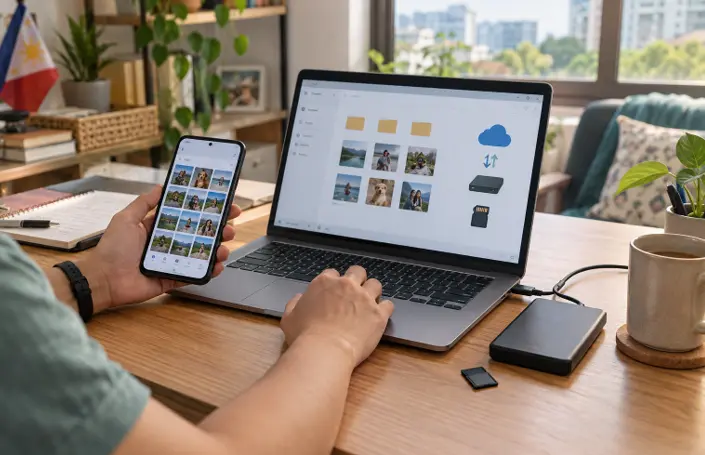
Good storage habits matter at every capacity. Review large files, offline downloads, duplicate media, and messaging attachments periodically. Transfer completed projects and older videos to a computer, external drive, or trusted online service. Before deleting anything, confirm that the backup opens correctly and contains the full-quality file you intended to preserve.
Keep at least one additional copy of irreplaceable photos, documents, and recordings. A larger phone can delay cleanup, but it cannot protect data from theft, accidental deletion, liquid damage, hardware failure, or account problems.
Common Mistakes to Avoid
Assuming the capacity printed on the box is fully available for personal files.
Choosing storage without checking how much space the current phone already uses.
Using one fixed file-size estimate for every game, camera mode, or streaming application.
Depending entirely on cloud storage without checking data costs, offline access, synchronization, and subscription terms.
Assuming a memory card can hold every application or work with every recording mode.
Buying an unusually cheap memory card from an uncertain seller.
Filling the phone so closely that updates, recordings, and downloads have no working room.
Treating extra storage as a backup instead of keeping important files in another location.
Questions to Ask Before Buying
How much storage is occupied on my current phone, and how quickly did it grow?
Which categories use the most space: apps, games, photos, video, downloads, messages, or work files?
How many years do I expect to keep the new phone?
Will I record long or high-quality videos or edit them on the device?
Do I need games, maps, music, or episodes available offline?
Does the exact phone support a memory card, and what can be stored on it?
Can I reliably use cloud storage or transfer files to another device?
How much free space would remain after setup, migration, and my normal applications?
XploreSulit Summary
For many everyday buyers, 128 GB is a sensible starting point, while 256 GB offers more comfort for frequent photos, larger games, offline downloads, and longer ownership. Light users with disciplined file management may be comfortable with less; creators and people who keep large local libraries may need 512 GB or more.
The strongest decision comes from your own storage screen, not a universal rule. Measure what you use now, identify what will grow, allow room for updates and active projects, and choose the next tier when your estimate leaves too little breathing room. Whatever capacity you buy, keep important files backed up elsewhere.
Frequently Asked Questions
It can be enough for light use when the owner keeps few large apps, streams most media, and manages photos and downloads regularly. Check the exact phone’s usable space because system files reduce what remains after setup.
It is a practical starting point for many everyday users, but it may feel tight for several large games, frequent video recording, extensive offline media, or long ownership without regular transfers.
Possibly, especially if you also record video or keep originals on the phone. Review how much space your present photo and video library uses and how quickly it grows before deciding.
Not always. Some phones do not support memory cards, and some apps, games, or recording modes require internal storage. Verify the exact model and intended use.
Capacity alone does not guarantee faster performance. Storage technology, available free space, processor, memory, software, and thermal behavior all contribute. Choose capacity mainly for the files and applications you need to keep.
Related Buying Guides
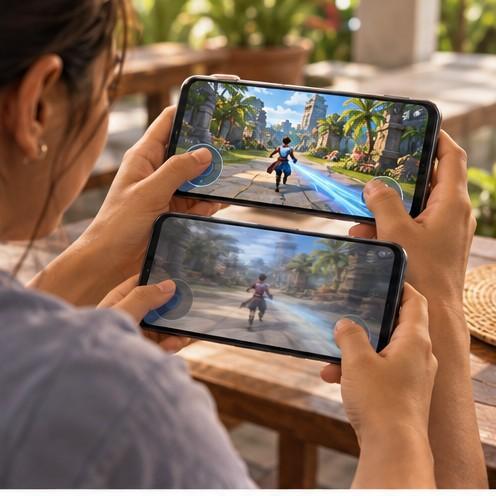
Choosing a Smartphone for Mobile Gaming
Guide in choosing gaming-capable smartphone by sustained performance, display response, controls, battery, charging, storage, connectivity, software support, and overall value.
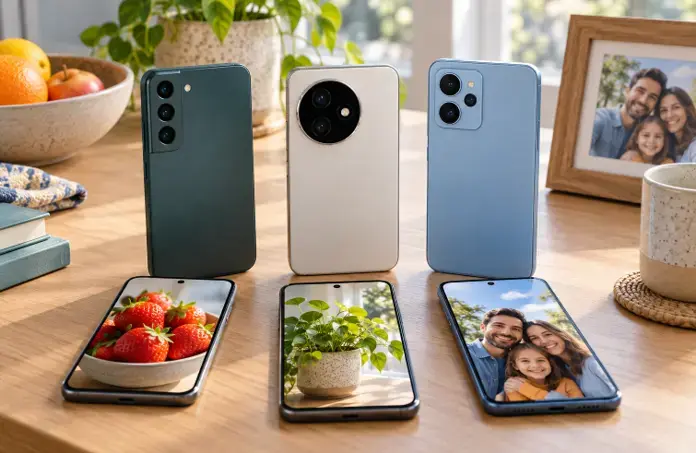
Finding a Good Camera Phone Without Overspending
A value-focused guide to choosing a camera phone by image quality, focus, stabilization, low-light performance, video, storage, software support, and the photos you actually take.

Choosing the Right Smartphone for Your Everyday Needs
A helpful overview of what to consider when choosing a smartphone for streaming teleseryes and news, enjoying AI-generated shows, gaming, music, communication, photography, work and everyday online activities.